UniFi Protect security cameras
Clear video of your front door, driveway and grounds, recorded at your home or office and available on your phone.
We install UniFi Protect, the camera side of the same UniFi system we use for networks and Wi-Fi. Your video is stored on a small recorder on site, not in a monthly cloud plan.
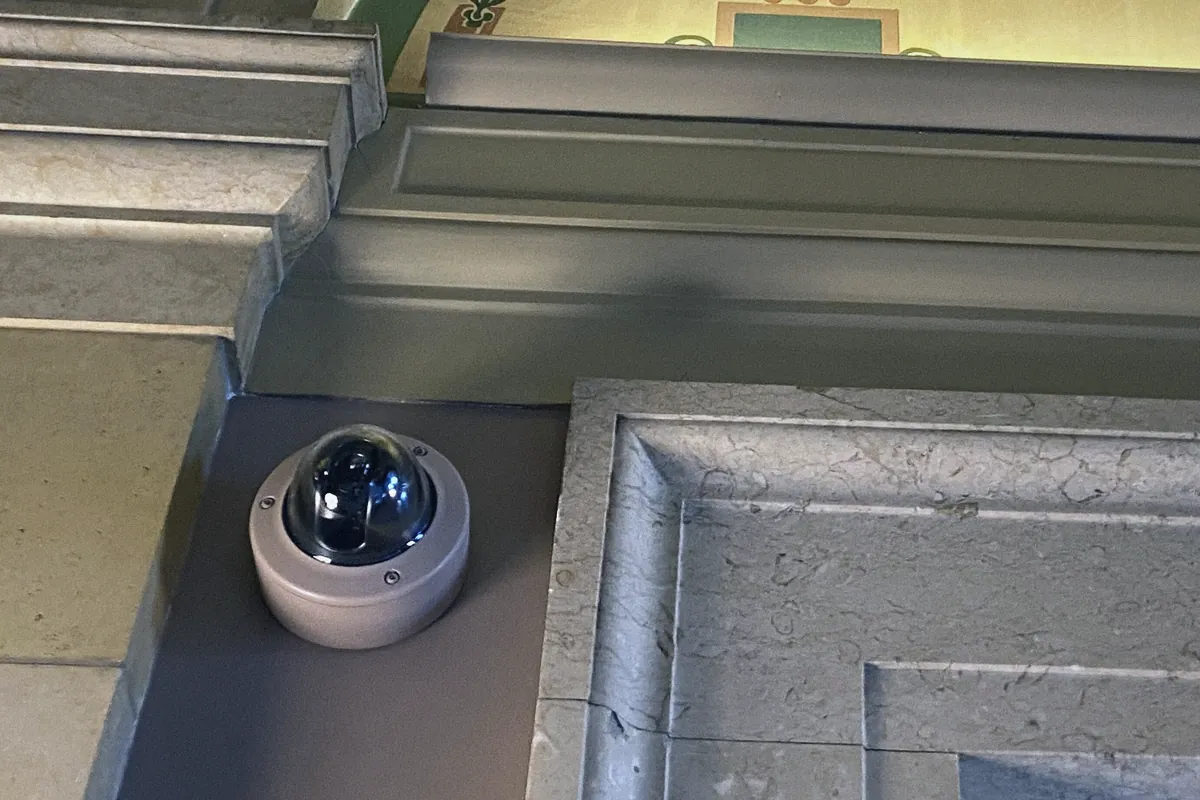
Why UniFi Protect
- No monthly cloud fee
- Video records to a recorder in your home or office. There’s no subscription to keep your cameras working.
- Your footage stays yours
- Recordings stay on your property. You decide who can see them.
- On your phone
- Live view and recordings in one app, at home or away. Alerts can be set for people, vehicles and packages, so you aren’t notified every time a palm frond moves.
- Shared the way you want
- Give family, a house manager or office staff their own access, limited to the cameras they need.
- Part of one system
- Cameras, doorbell and Wi-Fi share the same equipment and the same app, and we look after all of it together.
Planned around what you want to see
We start with the views that matter, not a number of cameras: who is at the front door, what pulls into the driveway, the side gates, the lanai, the dock or the office entrance.
Then we place each camera for those views, with the Florida sun, glare off the water and nighttime lighting in mind. Fewer, well-placed cameras usually do more than many poorly placed ones.
Each camera is wired, which provides power and a steady connection through one cable. There are no batteries to charge, and no Wi-Fi dropouts at the moment you need the video.
What’s included
- Cameras
- Indoor and outdoor models in white, chosen for each spot, mounted cleanly with the cable hidden where the building allows.
- Doorbell
- A UniFi video doorbell, so you can see and speak with whoever is at the door from your phone.
- Recorder
- Sized to keep the amount of history you want, usually a few weeks of recordings.
- Phone and tablet setup
- We set up the app on your devices and show you how to find a moment in the recordings.
- Power backup
- On request, a battery backup so the recorder and cameras ride through short power outages, which helps during storm season.
How it works
We walk the property with you.
What you want to see, where the cameras can mount, and where the cable can run.
You approve the plan.
Each camera’s location and view, the recorder and how long it keeps video. If your community has an HOA, we can help with what it needs to see.
We install and fine-tune.
We aim each camera, set the alerts and check the picture during the day and after dark.
We walk you through it.
How to watch live, find a recording and share a clip. After that, we can look after the system remotely.
Common questions
- I already have cameras. Can you help?
- Yes. We can take over an existing UniFi system, or replace an older system that has become unreliable.
- Do the cameras need the internet to record?
- No. They keep recording to the recorder even if the internet goes down. You need the internet only to watch from away.
- Is this for businesses too?
- Yes. Offices, medical practices, restaurants and shops, with access set up for the people who need it.
Call, text or email.
Leave a message and we’ll call you back, usually the same day.
Monday to Friday, 9 AM to 5 PM. Evenings and weekends by appointment.
Or send a short request
Thank you.
Got it. We’ll call you back, usually the same day.
If it can’t wait, call or text 772.202.2007.