UniFi networking and Wi-Fi
Strong, steady Wi-Fi in every room, out to the lanai and the pool, on equipment you own outright.
We build every network on Ubiquiti UniFi, for homes and for businesses. The router, switches, Wi-Fi and cameras all work as one system, so there’s one app and one company to call.
Why we use UniFi
- One system
- Your router, Wi-Fi, switches and security cameras come from the same family and are managed together. Nothing is pieced together from different brands.
- You own it
- There’s no subscription to keep the network running. The equipment is yours.
- Looked after remotely
- With your permission, we can check on the network, apply updates and fix most problems without a visit.
- Quiet and discreet
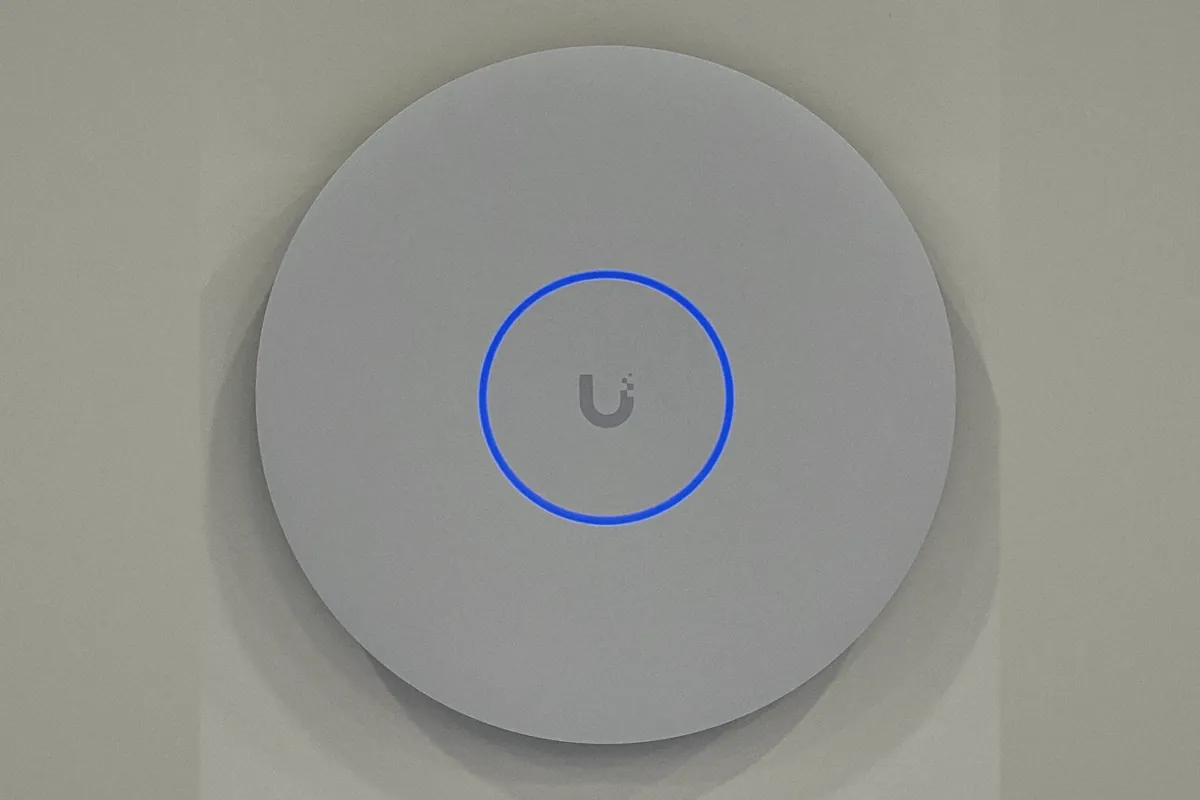
- Slim white access points that sit flat on a ceiling or wall, with the status light turned off if you prefer.
- Built to last
- Business-grade equipment that keeps up as you add TVs, phones, tablets and smart-home devices.
Wi-Fi that reaches the whole property
Most Wi-Fi trouble isn’t the internet service. It’s one box in a closet trying to cover a whole house. Concrete block, stucco and impact glass, which are common in Florida homes, all weaken the signal on its way from room to room.
So we place access points where you actually spend time, and connect each one back with its own cable whenever the house allows. Wired access points stay fast and steady, where wireless repeaters tend to slow down the farther they are from the router.
That includes the places people often give up on: the back bedroom, the garage, the lanai and pool deck, the dock and the guest house.
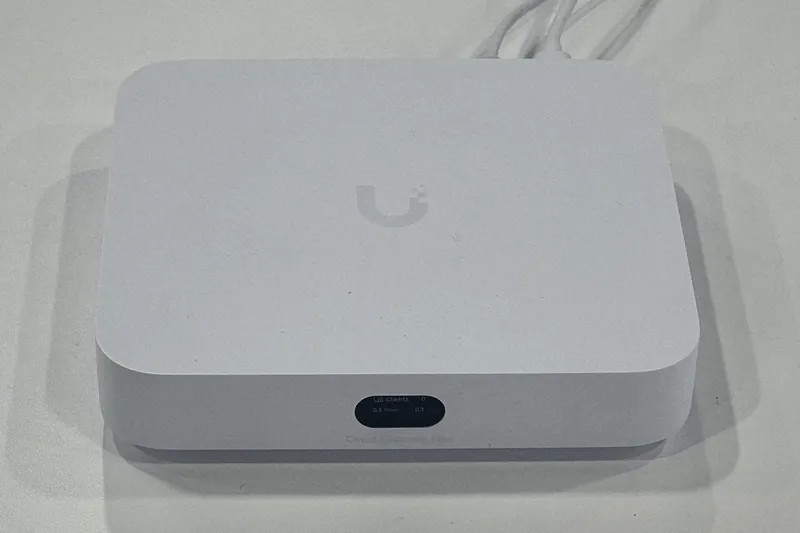
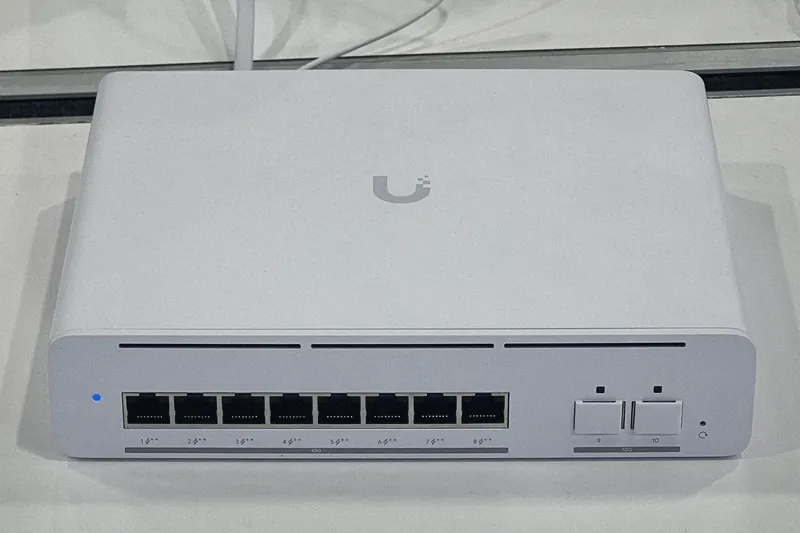
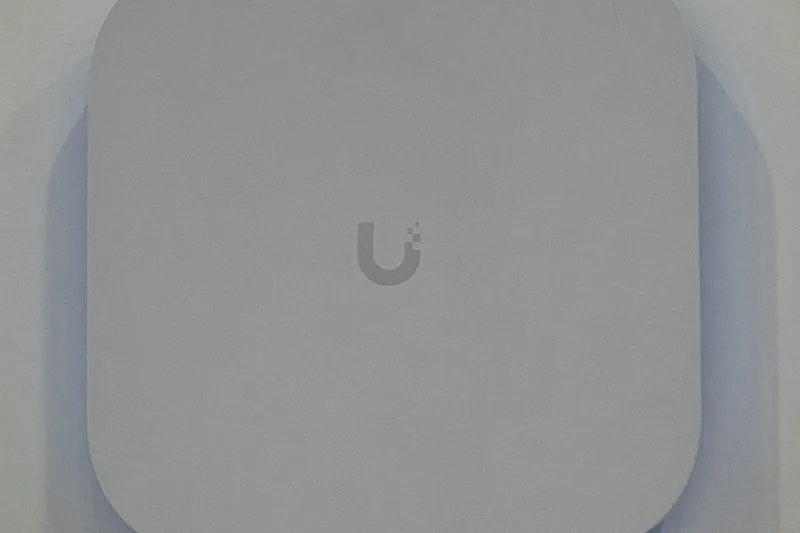
What goes in
Separate networks, kept simple
- Your devices
- Computers, phones and tablets on your main network.
- Guests
- A guest network with its own password, so visitors and family get online without reaching your computers or printer.
- Smart home
- TVs, speakers, thermostats and other connected gadgets on their own network, kept apart from the computers that hold your personal files.
- Businesses
- Staff, guests, card terminals and cameras each on their own network, with the office running the same way every day.
How it works
We walk the property with you.
Where Wi-Fi drops today, where you spend time, and where cable can run cleanly through the attic or walls.
We plan the network.
Where each access point goes, where the equipment will live, and which networks you need. You approve the plan before any work starts.
We install it neatly.
Cables run, terminated and labeled, equipment mounted and tidy, and every room tested before we leave.
We show you around.
A short walkthrough of the UniFi app and your Wi-Fi names and passwords, written down for you to keep. After that, we can look after it remotely.
Common questions
- Do I need to change internet providers?
- No. UniFi works with Xfinity, AT&T and other local providers. We connect to the service you already have.
- Will it work with my Apple devices?
- Yes. iPhones, iPads, Macs, Apple TV and AirPlay all work well on a UniFi network. Jorge, our founder, spent over eight years at Apple, so Apple homes are familiar ground.
- Is there a monthly fee?
- Not for the equipment. If you’d like us to keep an eye on it for you, that’s part of our home IT management and managed IT plans.
- Can you work with what I already have?
- Often, yes. If you already have UniFi equipment, we can take it over, tidy it up and add to it.
Call, text or email.
Leave a message and we’ll call you back, usually the same day.
Monday to Friday, 9 AM to 5 PM. Evenings and weekends by appointment.
Or send a short request
Thank you.
Got it. We’ll call you back, usually the same day.
If it can’t wait, call or text 772.202.2007.